

Search with keywords
Enter a song title, artist, or a few identifying words in the search field. Include a version name when you want a particular recording.

Welcome to Ytmp3, your starting point for finding a YouTube recording and exploring available conversion options. Search by title or paste a link, then check that the result matches what you want before continuing. Use the service for material you own or have permission to download, subject to the source platform's rules.
Enter a song title, artist, or a few identifying words in the search field. Include a version name when you want a particular recording.
Paste a normal YouTube watch link, shortened link, or embed link into the same field to start from a source you already have.
Select a trending link to search its song title. Check the resulting recording yourself; the title alone does not establish the version.
The field's button says Search for keywords and Convert for recognized links, indicating which action your current entry will trigger.
Clipboard Paste may ask for permission. If access is unavailable or you prefer not to grant it, paste manually into the field.
After choosing an available download option, follow the browser transfer. The file is saved only when that transfer completes.
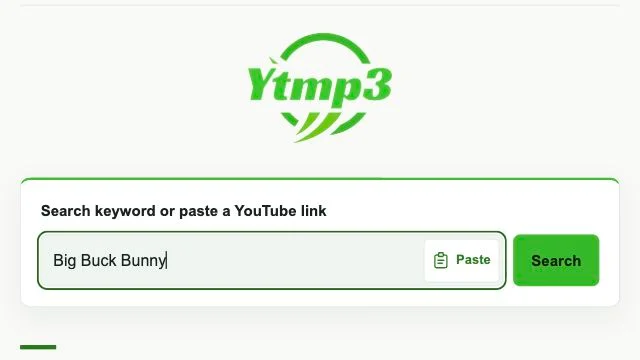
Search using identifying keywords, paste a supported YouTube link, or start a title search from a trending entry.
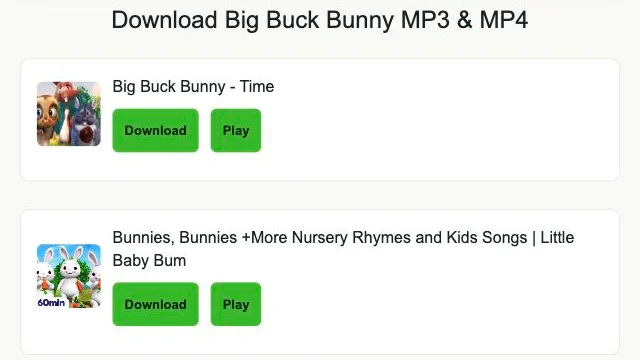
Look for details that distinguish the recording you need, such as live, studio, cover, or remix. Do not rely on a matching title alone.
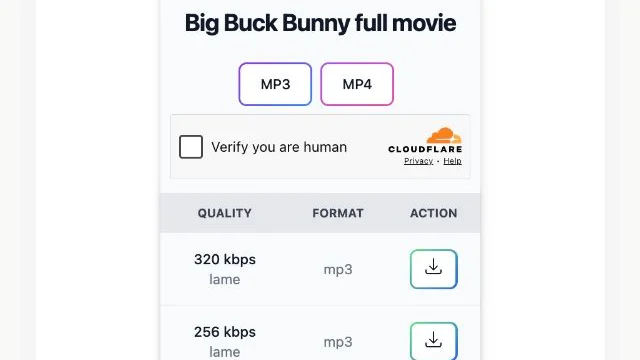
Choose an available option and begin the download. Wait for the browser transfer to finish before looking for the saved file.
For a focused starting point, open YouTube to MP3 for audio or YouTube to MP4 for video. The Ytmp3 blog explains file handling and everyday download questions.
Add the artist and intended version, such as live or acoustic, to your keywords.
The field has recognized your entry as a link rather than a keyword search.
No. Manual paste remains available if clipboard permission is declined or unavailable.
Outputs depend on source availability and the conversion provider.
No. A different format cannot restore detail missing from the source recording.
Once the browser transfer completes, check Files, which may contain the download.
Locate the actual audio file before troubleshooting your music library.
A short source-checking routine helps distinguish the intended upload from an extract or similar result.
A ready output and a completed browser transfer are different stages. Learn what to check at each one.